 DNS Unpacked
What a domain name actually is
The short version
- Computers find each other using numbers, called IP addresses.
- People are bad at remembering numbers, so we use names instead.
- A domain name is a name that stands for those numbers.
- The Domain Name System (DNS) looks up the number for each name.
- A domain name is not the same as a web address, and not the same as a website.
Computers use numbers
Every device on the internet has a number. Computers use these numbers to find each other.[1]
That number is called an IP address. It is a label made of numbers, given to a device on a network.[2]
Here is what one looks like: 192.0.2.1. That one is set aside for examples, so it never points at a real machine.[3]
People use names
Long strings of numbers are hard to remember.[1] So the internet also lets you use names made of letters.
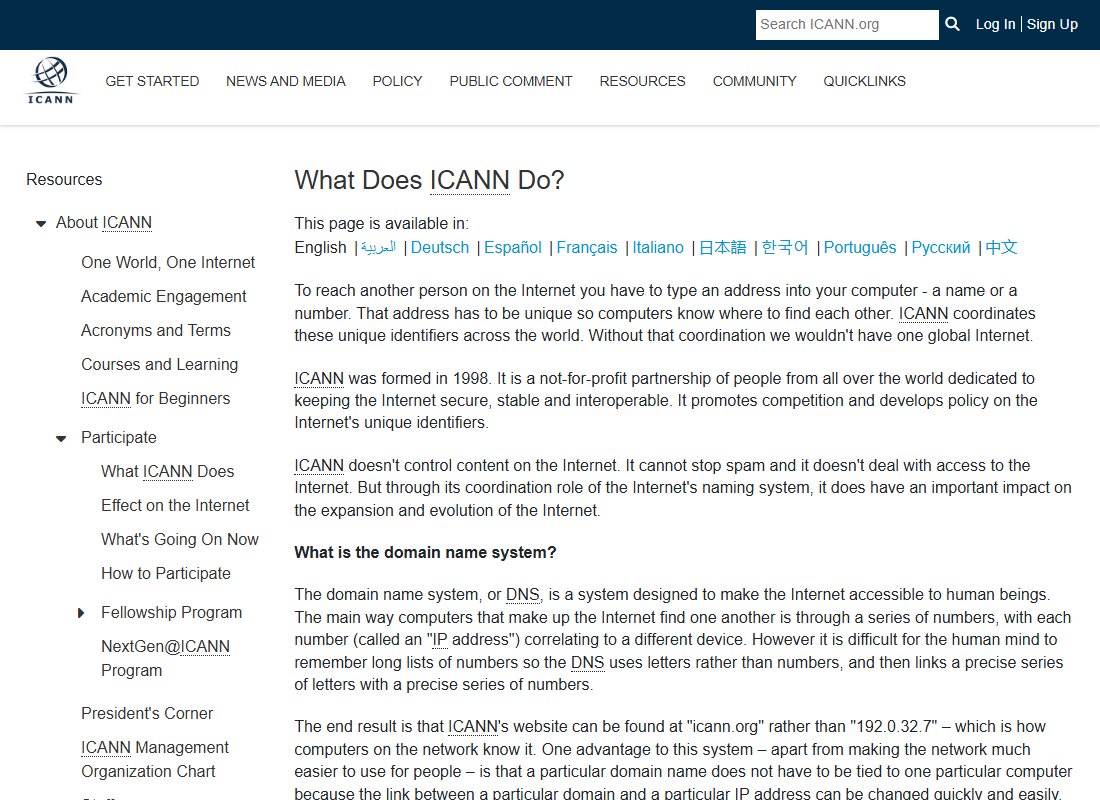
ICANN is the group that coordinates these names and numbers around the world.[1] It uses itself as an example. People reach its website by typing icann.org. Computers reach it by a number.[1]
ICANN explains this on its own website:
A domain name is one of these names. example.com is a domain name. So is icann.org.
DNS links the two
Something has to turn a name into a number. That job belongs to the Domain Name System, or DNS for short.
DNS links a set of letters to a set of numbers.[1] People often call it the phone book of the internet. You look up a name, and you get back a number.[4]
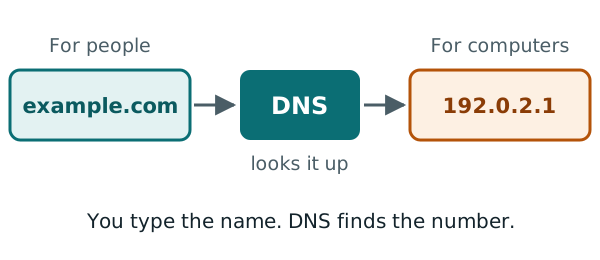
You don't see any of this happen. You type a name, and your computer quietly asks DNS for the number. Later chapters show each step.
Why names are better than numbers
Names are easier to remember. But there is a second reason, and it matters a lot to website owners.
A name does not have to stay tied to one computer. The link between a name and a number can be changed quickly.[1]
Say your website moves to a new host. The host gives your site a new IP address. You update the name to point at the new number. Your visitors keep typing the same name, and they never notice the move.
One name, many jobs
A domain name is not only for websites. The same name can also be used for email and other online services.[1]
For example, example.com could have a website at www.example.com. It could also receive mail sent to an address ending in @example.com. DNS keeps a separate note for each job.
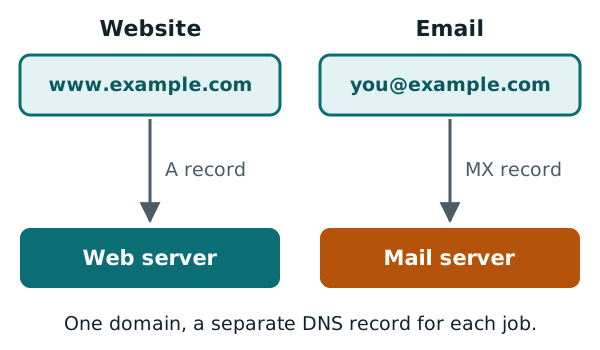
The chapters on A records and MX records explain those notes.
Domain names, web addresses and websites
These three words get mixed up a lot. They are different things.
A web address, or URL, is the full text in your browser's address bar.[5] Take https://www.example.com/index.html. It has three parts:[5]
- The
httpspart is the way the page is sent. - The
www.example.compart is the name of the computer to ask. - The
index.htmlpart is the page on that computer.
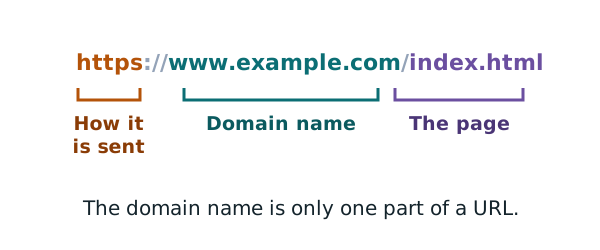
So the domain name is just one part of a web address.
A website is the set of pages and files that a server sends you. The domain name only tells your browser where to find them. If the server is switched off, the name still exists. It just has nothing to show.
What a real domain looks like
Here is the page you see if you visit example.com in a browser.
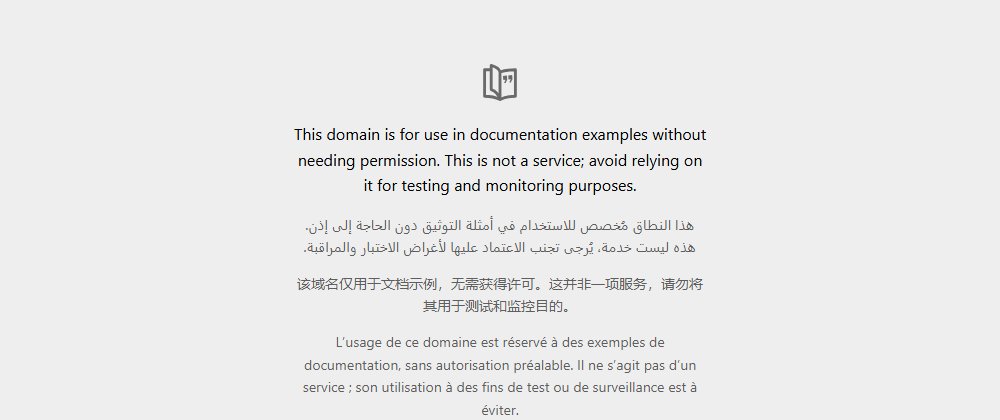
This domain is kept for use in examples and documents.[6] You can type it in, but it is not a real business. That is why this guide uses it in every example.
Next: the parts of a name
You now know what a domain name is for. The next chapter shows how to read a domain from right to left, and what each part means.
Sources
- What Does ICANN Do?, ICANN (accessed 2026-10-18)
- IP address, Wikipedia (accessed 2026-10-18)
- RFC 5737: IPv4 Address Blocks Reserved for Documentation, IETF (accessed 2026-10-18)
- Domain Name System, Wikipedia (accessed 2026-10-18)
- URL, Wikipedia (accessed 2026-10-18)
- Example Domains, IANA (accessed 2026-10-18)