 DNS Unpacked
MX records
The short version
- An MX record tells the world which server takes email for your domain.
- Each MX record has a number. The lowest number is tried first.
- Extra MX records with higher numbers act as backups.
- An MX record must point to a name, not an IP address, and not to an alias.
- Changing your MX records changes where new email goes.
Where should the mail go?
Someone sends an email to [email protected]. Their mail server needs to know where to deliver it.
It finds out by asking DNS for the MX records of example.com. MX is short for mail exchange. Each MX record names a server that will take mail for the domain.[1][2]
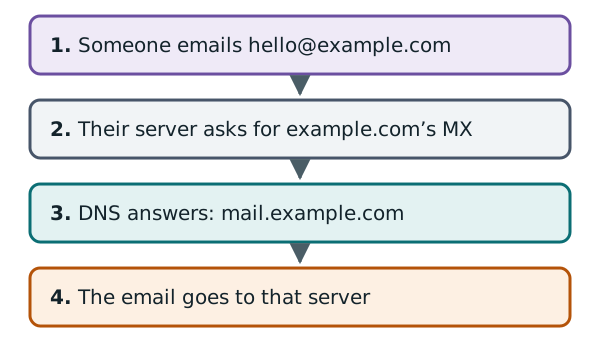
Notice that email does not use the A record of example.com when MX records exist.[3] Your website and your email can live with different providers. The MX records decide where mail goes.
What an MX record looks like
Here is one, written the way DNS tools show it:
example.com. 3600 IN MX 10 mail.example.com.
It has two parts at the end:
- 10 is the preference number.
- mail.example.com is the name of the mail server.
The preference number is how you rank servers. Lower numbers are preferred.[1] People also call it the priority.
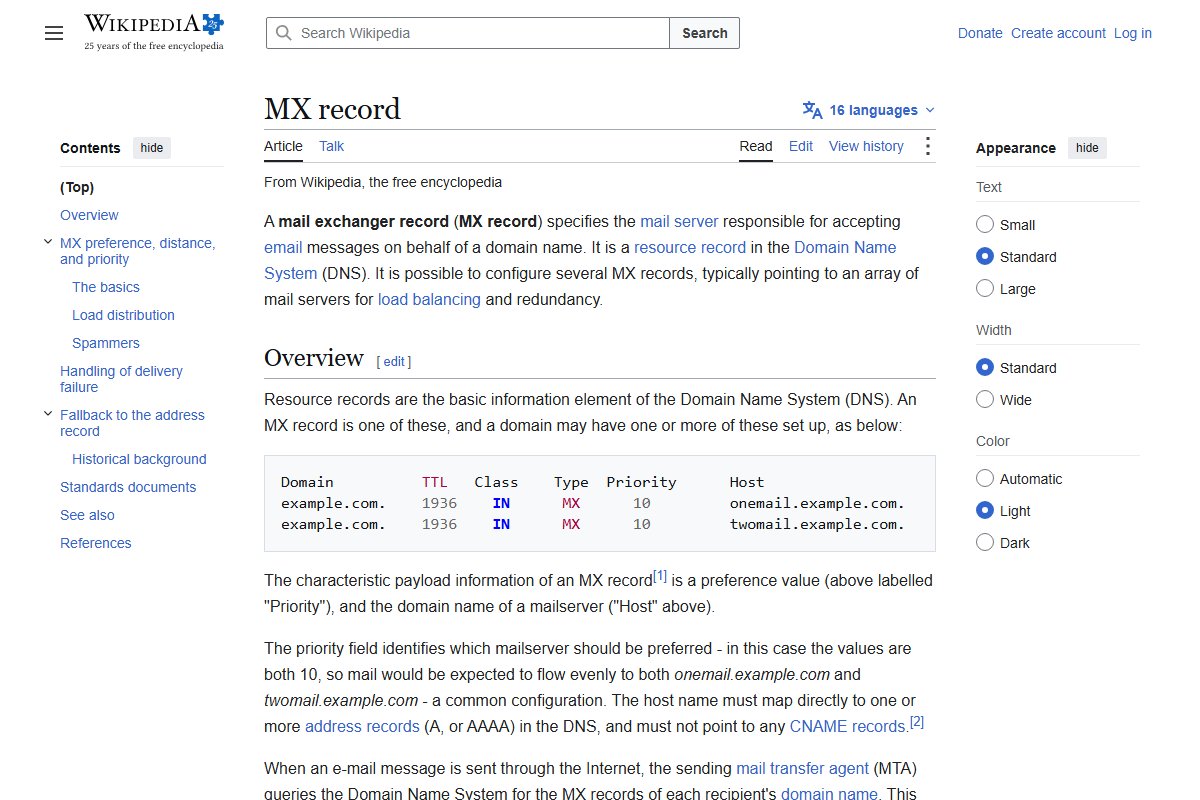
Wikipedia's article shows two MX records for one domain, both with the same number:
Priorities and backups
A domain can have several MX records, each pointing at a different server. This spreads the load and gives you a backup.[2]
example.com.    3600    IN    MX    10 mail1.example.com.
example.com.    3600    IN    MX    20 mail2.example.com.
A sending server sorts the list by number, lowest first.[3] It tries mail1 first. If that fails, it moves down the list and tries mail2. It keeps going until delivery works.[3]
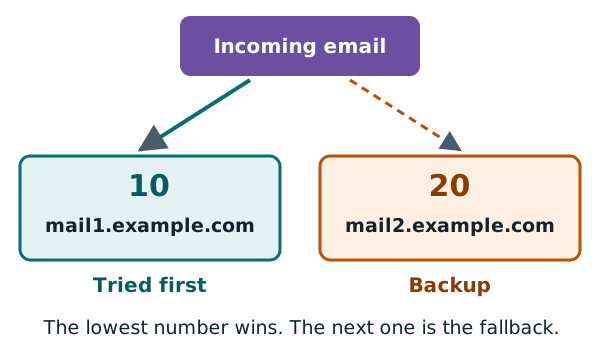
What if two records have the same number? Then the sender picks between them at random. This shares the mail between both servers.[3]
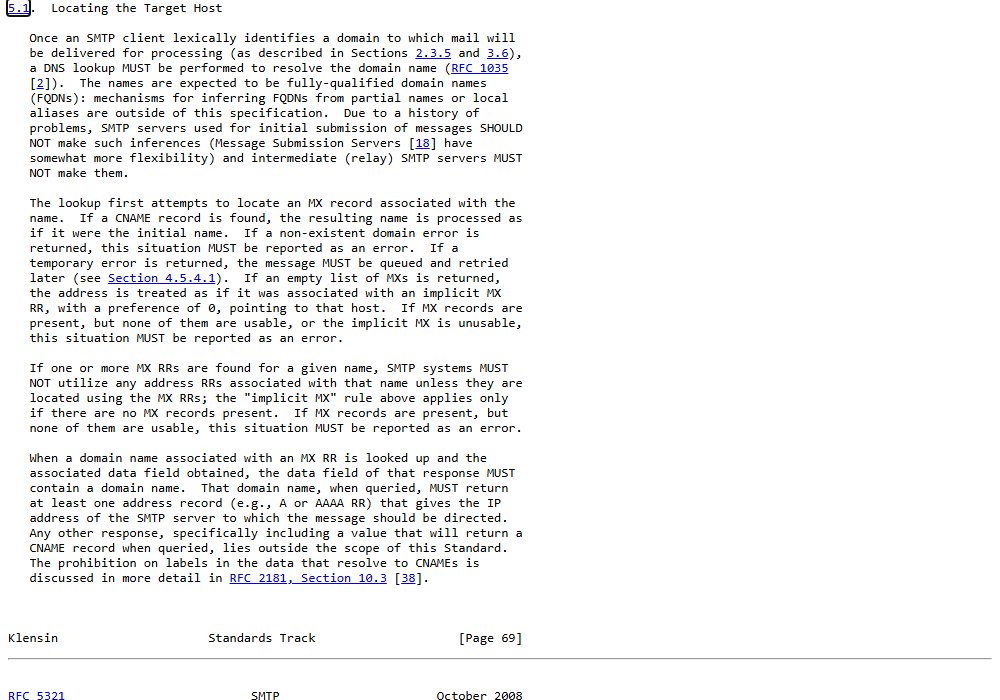
The rules for this are in the email standard itself. Here is the part that explains how a sender finds the server:
Point at a name, not a number
An MX record holds a server name, not an IP address. That name then needs its own A or AAAA record. The address comes from there.[3]
The name must not be an alias. In other words, it can't have a CNAME record.[4]
So a working setup looks like this:
example.com.         3600   IN   MX   10 mail.example.com.
mail.example.com.    3600   IN   A    192.0.2.25
What if there is no MX record?
If a domain has no MX records at all, senders fall back. They try the domain's own address as if it were the mail server.[3]
That can be a problem if the domain's web server doesn't take email. So a domain that never receives mail can say so directly. It publishes a special null MX record. It has the number 0 and a single dot as the server name.[5]
That is exactly what example.com does. Google's online Dig tool shows its MX record:
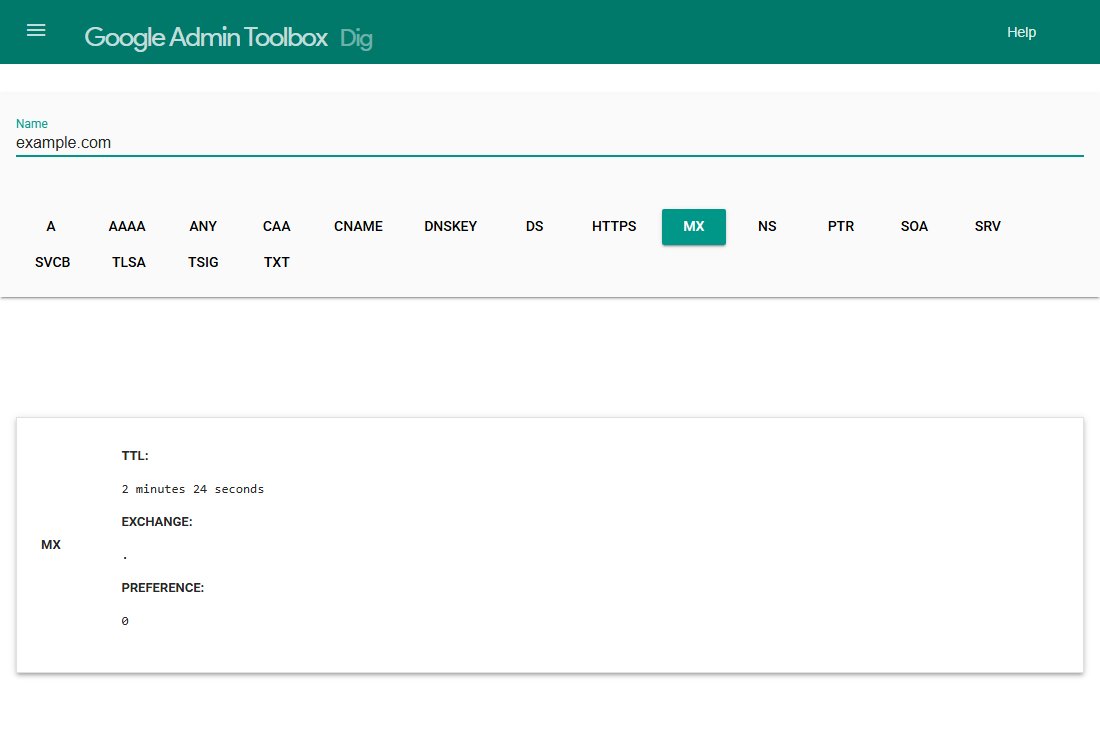
The exchange is just a dot, with preference 0. In plain words: "this domain takes no email".[5]
When you change email provider
Your new email provider will give you its MX records to add. Take the old provider's MX records out at the same time.
While the old records are still there, senders still have them on their list.[3] So some mail may still go to the old provider. And like any record, old copies can sit in caches for a while. The chapter on TTL explains how long.
What MX records don't do
MX records only say where to deliver mail. Other DNS records help a receiving server check that mail really came from your domain. That topic is outside this guide.
Some of those checks are stored in TXT records.[6] The next chapter explains what TXT records are.
Sources
- RFC 1035: Domain names - implementation and specification, IETF (accessed 2026-10-18)
- MX record, Wikipedia (accessed 2026-10-18)
- RFC 5321: Simple Mail Transfer Protocol, IETF (accessed 2026-10-18)
- RFC 2181: Clarifications to the DNS Specification, IETF (accessed 2026-10-18)
- RFC 7505: A "Null MX" No Service Resource Record for Domains That Accept No Mail, IETF (accessed 2026-10-18)
- TXT record, Wikipedia (accessed 2026-10-18)